"Is a seat free?"
Answered by phone, by message, or by walking in. Then answered again for the next person.
 Tell us what feels manual
A booking page you can try
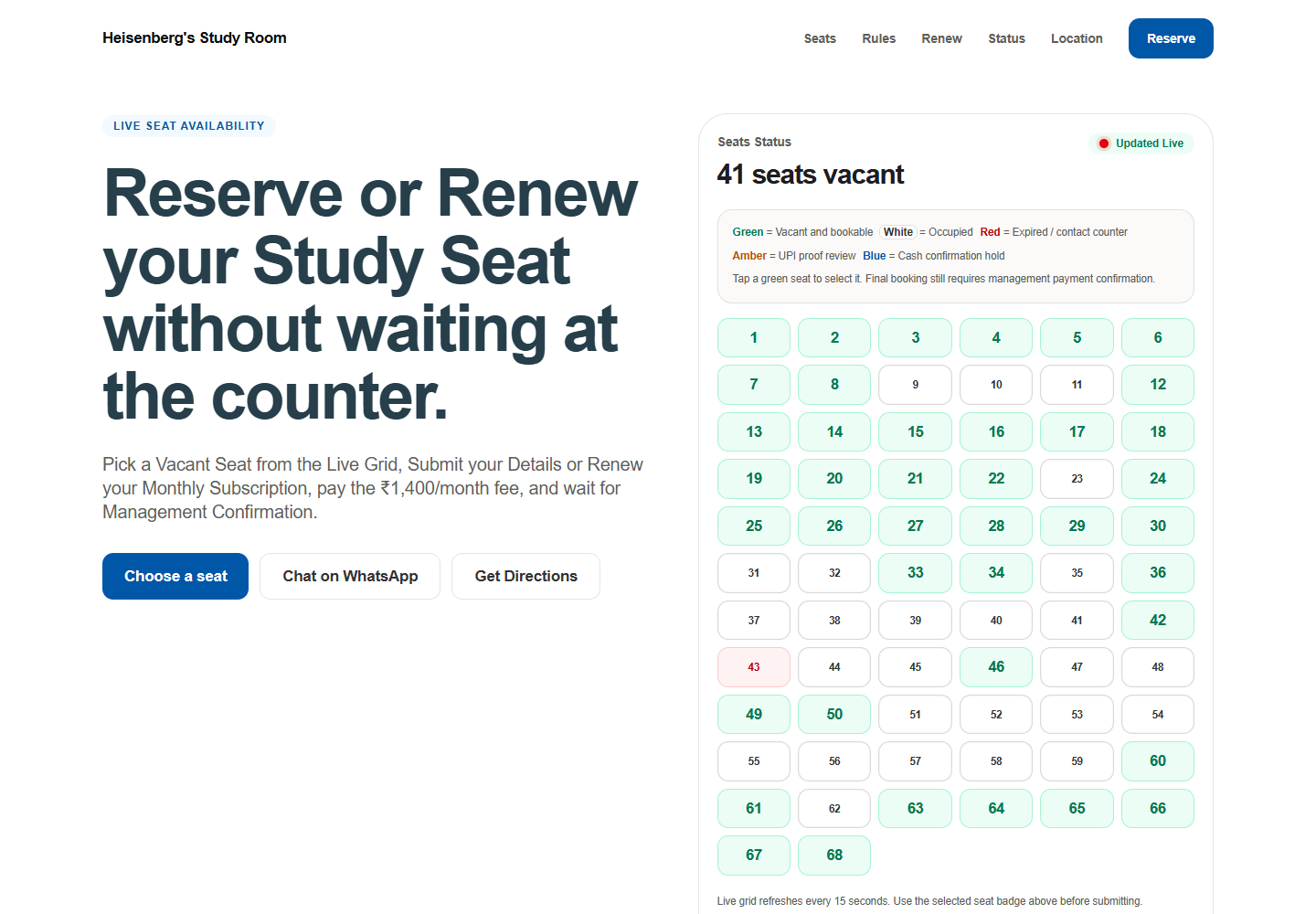
The page shows whether each seat is free, taken, expired, or waiting for a payment check. A student picks a free seat and sends proof of payment. Staff confirm it.
The counter problem
Answered by phone, by message, or by walking in. Then answered again for the next person.
Payment screenshots can arrive in chat, and someone has to match each one to a person and a seat by hand.
Renewal dates can sit in one person's memory or one paper register, so a lapsed seat is noticed late.
The useful version
Colour tells the story. Green is free to book. White is taken. Red has expired. Amber is waiting on a payment check. Blue is held for cash. The count of free seats sits above the grid.
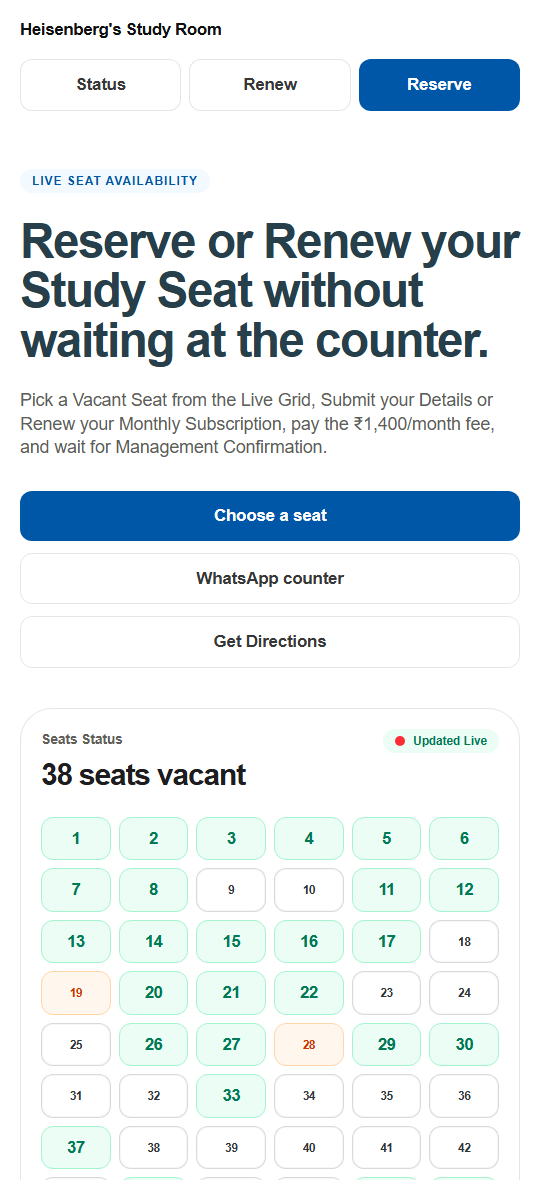
Pick a green seat, enter your details, and send the payment proof. The seat then shows as waiting while staff check it.
What this shows
The staff side — the queue where bookings and payments get approved — sits behind a login, so it is described here rather than shown.
Your business books something else. The shape is the same.
Seats, chairs, slots, tables, rooms, appointments — if people ask you the same availability question all day, it belongs on a page.
Message Kaiku Labs on WhatsApp We set it up for you. Help is one message away.